Ordering and setting up your card
From choosing a card in the shop to having your profile live and ready to tap.
4 min read
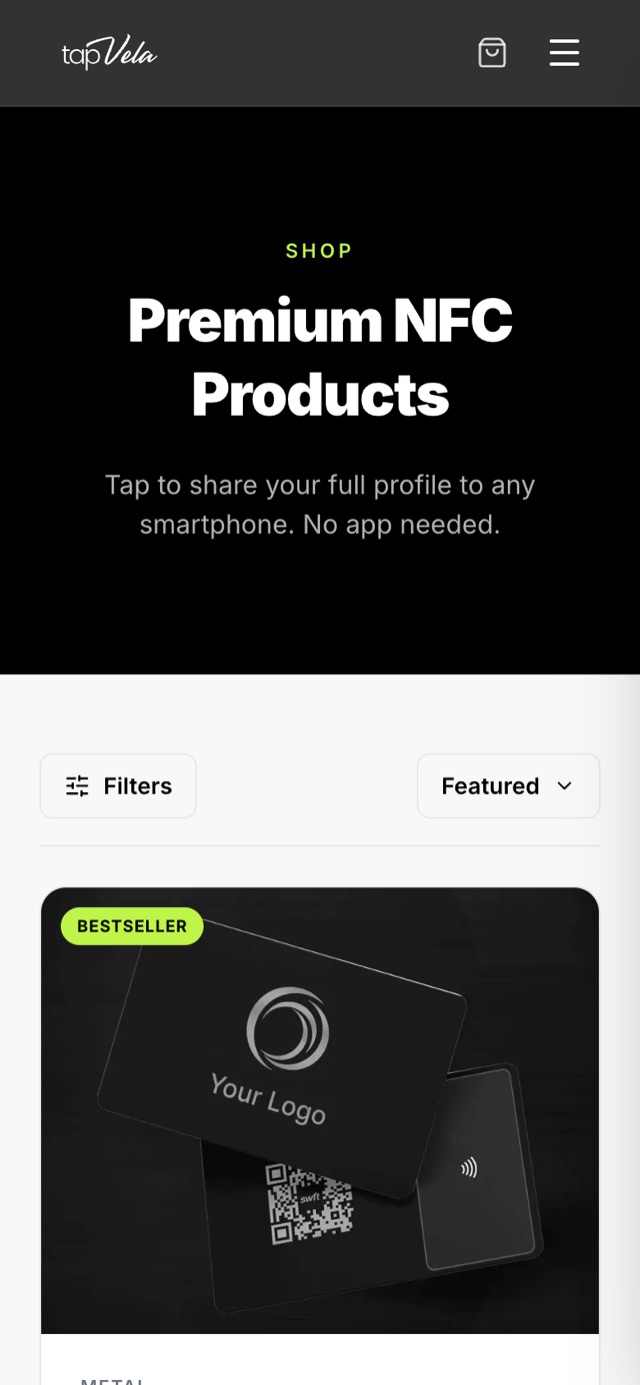
1. Choose a card
Go to the Tapvela shop and pick a card. There are different materials and finishes, and you can add your own design or logo.
2. Pay
Pay with Mobile Money. Your order is confirmed once the payment goes through, and you get a confirmation email.
3. Set up your profile
You get an email with a link to set up your profile. Add:
- your name, job title and company
- phone, email and WhatsApp
- your social links and website
- a photo
You can change any of this later from My card, and the card keeps working — the chip never needs to be rewritten.
4. Receive your card and tap
Your card is delivered to you. Tap it on your own phone first to check your profile opens, then start sharing it.
Ordering for a team
Companies ordering for several people can request a corporate quote. Each employee gets their own card and profile, and the company manages them all from one place.
Tip: a clear photo and a WhatsApp button make the biggest difference to how many people save your details.