For members: topping up and paying with a tap
How to join, load money, pay at the counter and check your balance.
3 min read
Getting your card
Join on the business's page with Get a card, or ask at the counter. Staff link a card to your name and phone number. If you sign in with the same phone number later, your card is already waiting in your account.
Topping up
There are two ways:
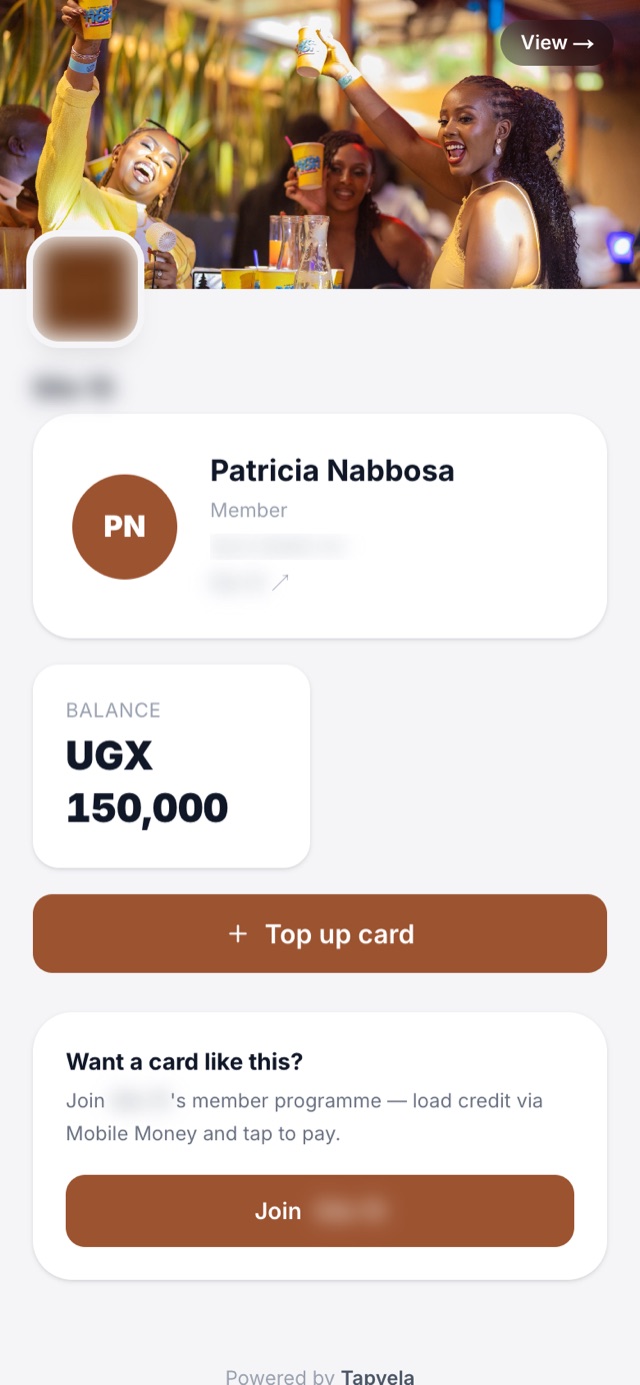
- From your phone. Open your card page, choose an amount and pay with Mobile Money. You'll see exactly what you pay before you confirm. The money appears on your card as soon as the payment goes through.
- At the counter. Pay cash and staff add it to your card.
Paying
Hand your card to the cashier (or tap it yourself). They tap it on their phone or tablet, enter the bill and confirm. The amount comes off your balance and you can see it on your phone right away.
Checking your balance and history
Your card page shows your balance and every top-up and payment, with the date and time. You can add it to your home screen so it opens like an app.
Lost your card? Tell the business straight away. They can block it so nobody else can spend your balance.