How NFC business cards work
What happens when someone taps your card, and why they don't need an app.
3 min read
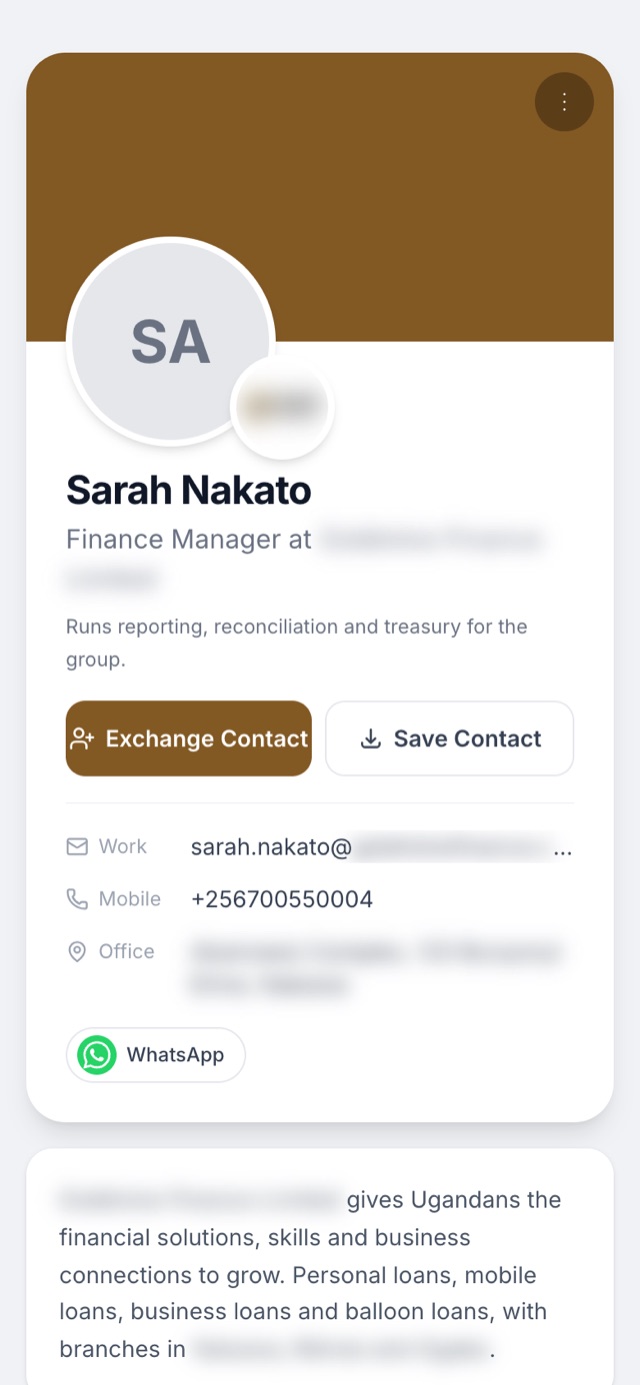
Inside every Tapvela card is a tiny chip called NFC (near-field communication). It's the same technology used for contactless bank cards. The chip holds a short web link to your profile.
What happens on a tap
- You hold the card near the top or back of the other person's phone.
- Their phone reads the link and shows a notification.
- They tap it and your profile opens in the browser.
- They tap Save contact and your details go straight into their phone.
Which phones work
Almost every smartphone sold in the last few years can read NFC: iPhones from the iPhone XS onwards, and most Android phones (NFC may need to be switched on in settings). For a phone that can't, there are two other ways: they can scan the QR code printed on your card with their camera, or you can send them your profile link by WhatsApp or text.
Why it beats paper
- Always up to date. Change your number or job title and the card shows the new details immediately — no reprinting.
- One card for years. It doesn't run out like a box of paper cards.
- It works both ways. The person you meet can send their details back to you from your profile page.
- You see what happens. Your dashboard shows how many people viewed and saved your profile.
Tip: if a tap doesn't work first time, move the card slowly around the top back of the phone. The reader is in a different spot on different phones.